Obsidian - Links, Bases, and a Rabbit Hole
Why I love Obsidian — the local-first philosophy, internal links, Bases, and a small Python bridge I built to pull my data into Polars
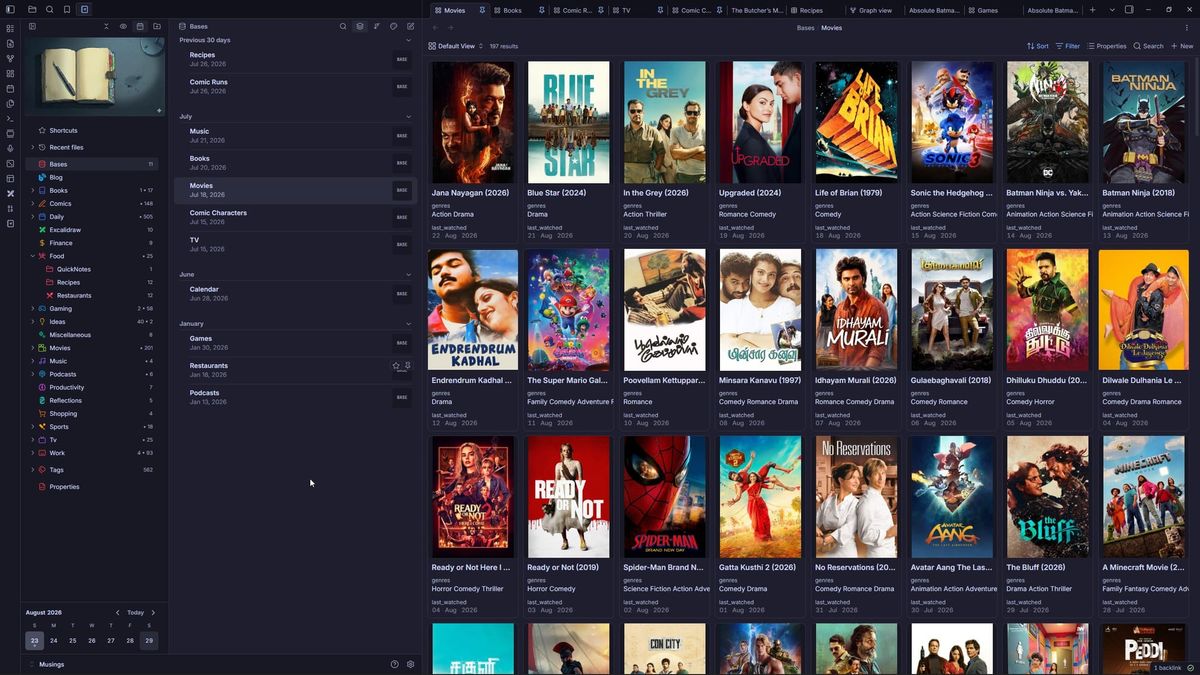
It is no secret I love Obsidian. I use it to journal, write about my opinions on various forms of media, keep track of personal projects, and even plan my day. I have built several tools over the years (for example, EMMA) to improve my workflow. In fact, I even used it as a centerpiece to gamify my life. If you are a person who plans or manages projects or journals, this is for you.
The reason I'm able to do all this is Obsidian's philosophy. It is a local-first markdown editor. By "local-first," I mean all your files are just md files on your local drive. No cloud, no subscription, no hoops to jump through to use it. As such, it is just so easy to build tooling around your markdown files.
The other core philosophy is that the app doesn't come with a lot of bells and whistles. They keep it bare-bones and as simple as possible. But people have built a lot of plugins. Think of a functionality, there's probably a plugin for it. If there isn't one, I can just build one. I fell into a rabbit hole of min-maxing my setup until it felt right. The amount of expressivity Obsidian provides is unparalleled in this space.
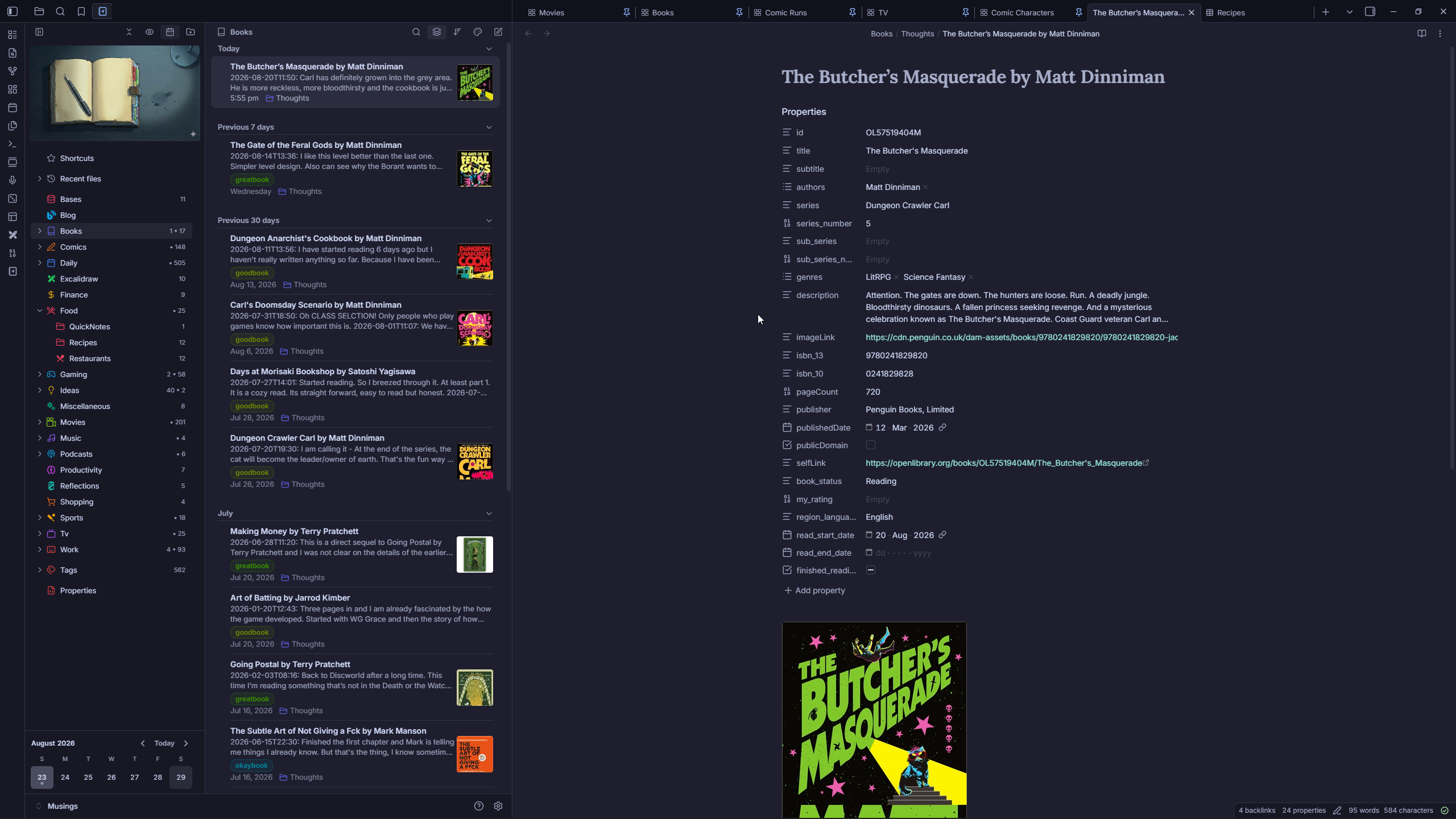
Links, Links and Links!
Okay, fine, you have your markdown files. Can't you just use any markdown editor? Isn't VS Code sufficient, right? Yes, if all you care about is formatting markdown files.
What makes Obsidian a note-taking app is its secret sauce — internal wikilinks. Let me explain: you can link one note to another note. You can link one note to a specific part of another note. You can also tag notes.
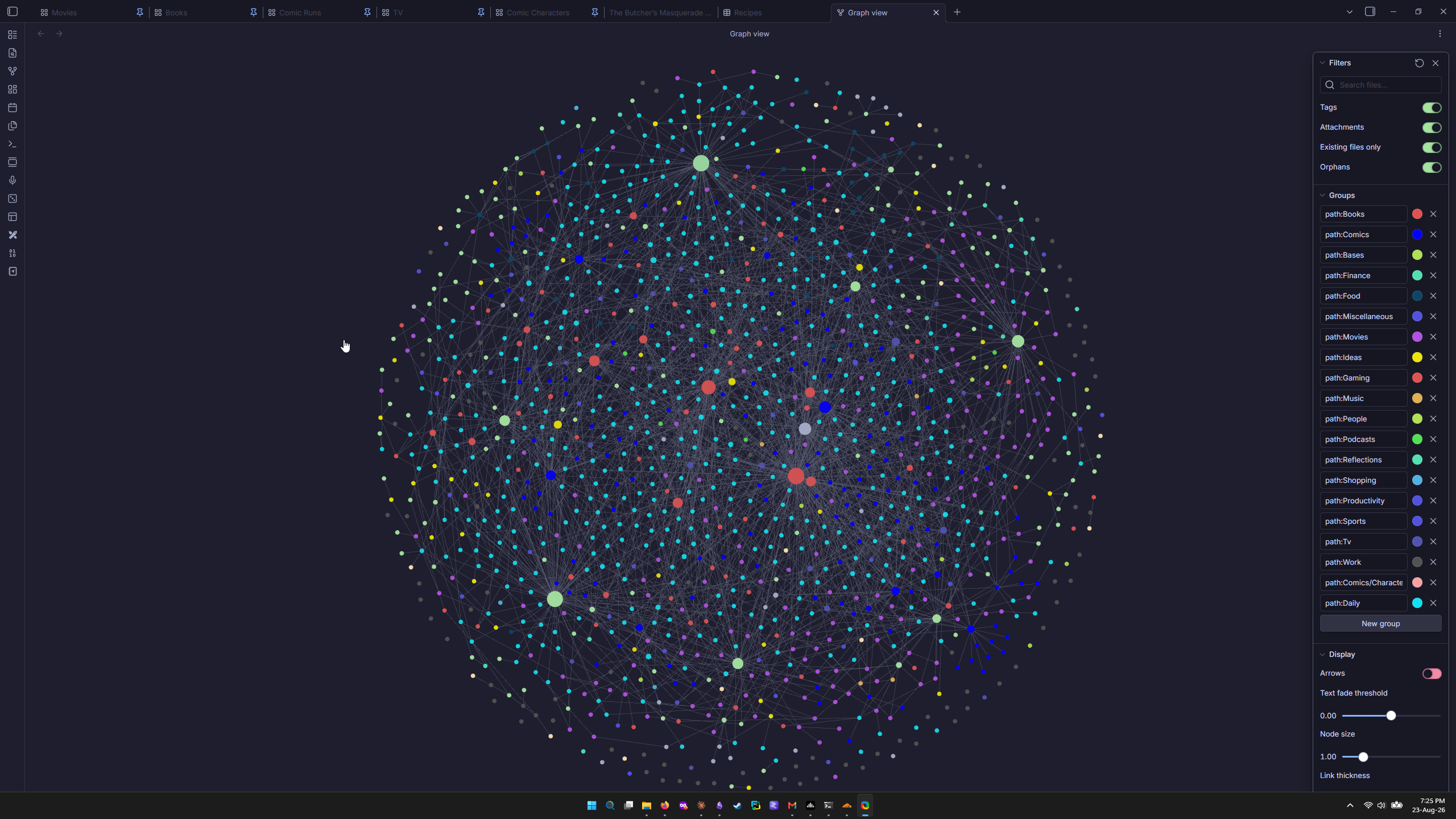
This is particularly useful in finding out latent connections and surfacing ideas. The way I use it, I link my activities to my daily notes. When I open any activity — say, reading a particular book — I can see all the backlinks to the days I read it, and check on my mood. Also, if I have made other references to this book, I can look up and reflect on why I made them. Same goes for my ideas.
And now we have Bases!
Each note can have properties, think of these as metadata for the note. I believe the official term is frontmatter. You can define the properties as you like. This has always been the case.
In October of 2025, Obsidian released Bases. A play on the word database. What this allows users to do is write filters aka queries, and then set a particular view to showcase the resulting data. The view could be a table view or a card view or whatever anyone can bYou can query on custom properties you yourself set or some standard properties like file name, file creation time, folder name, etc.
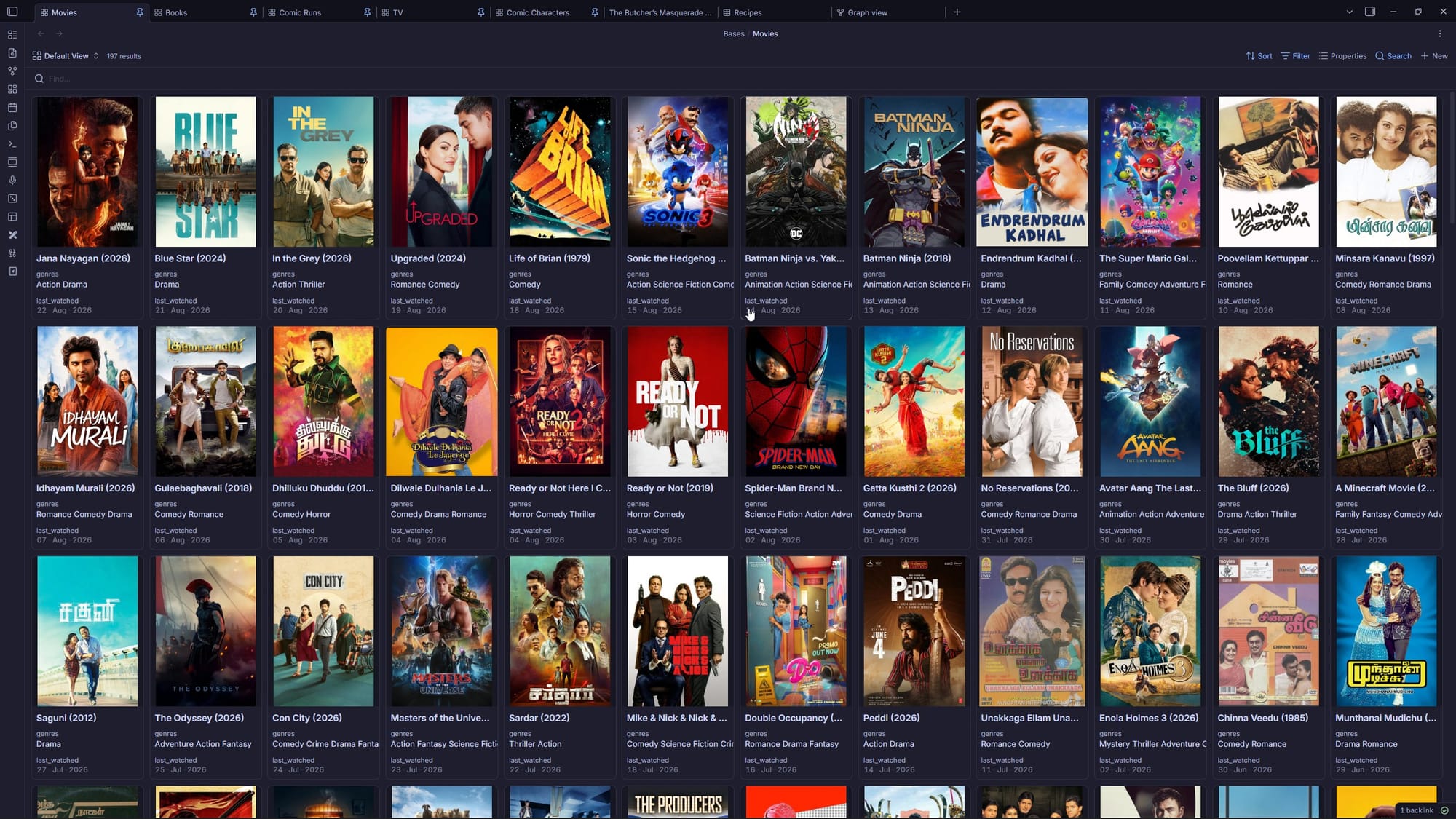
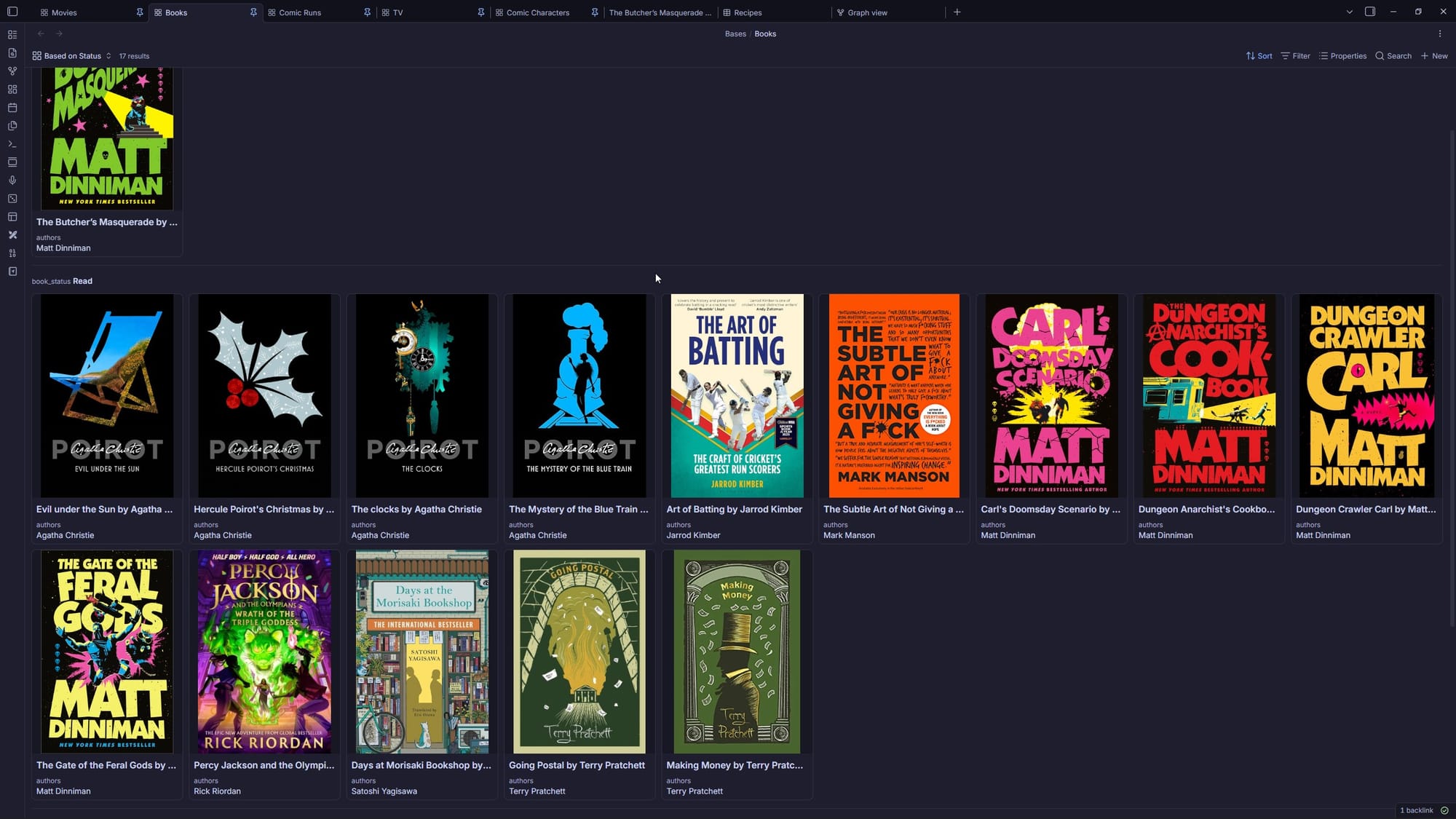
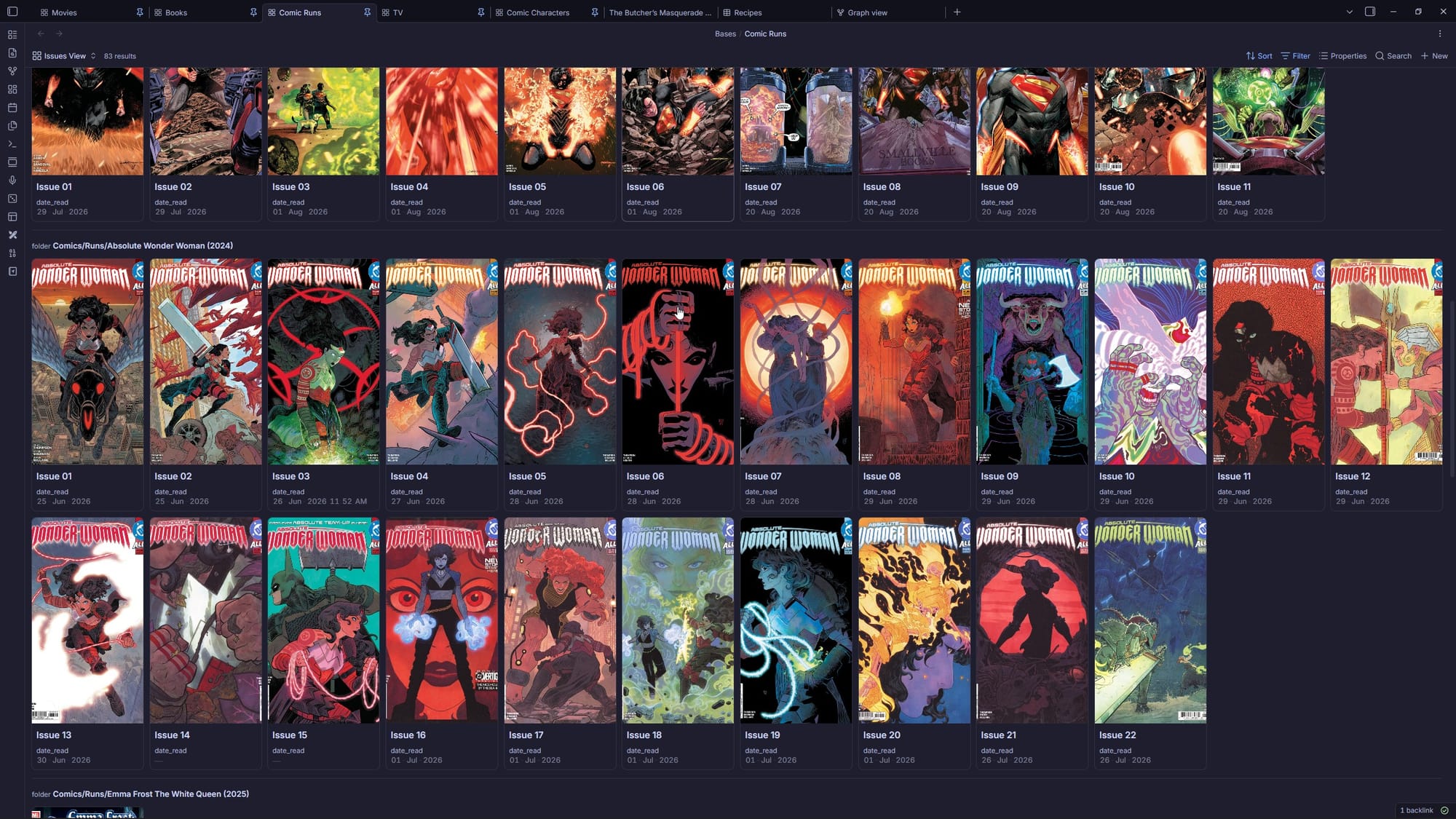
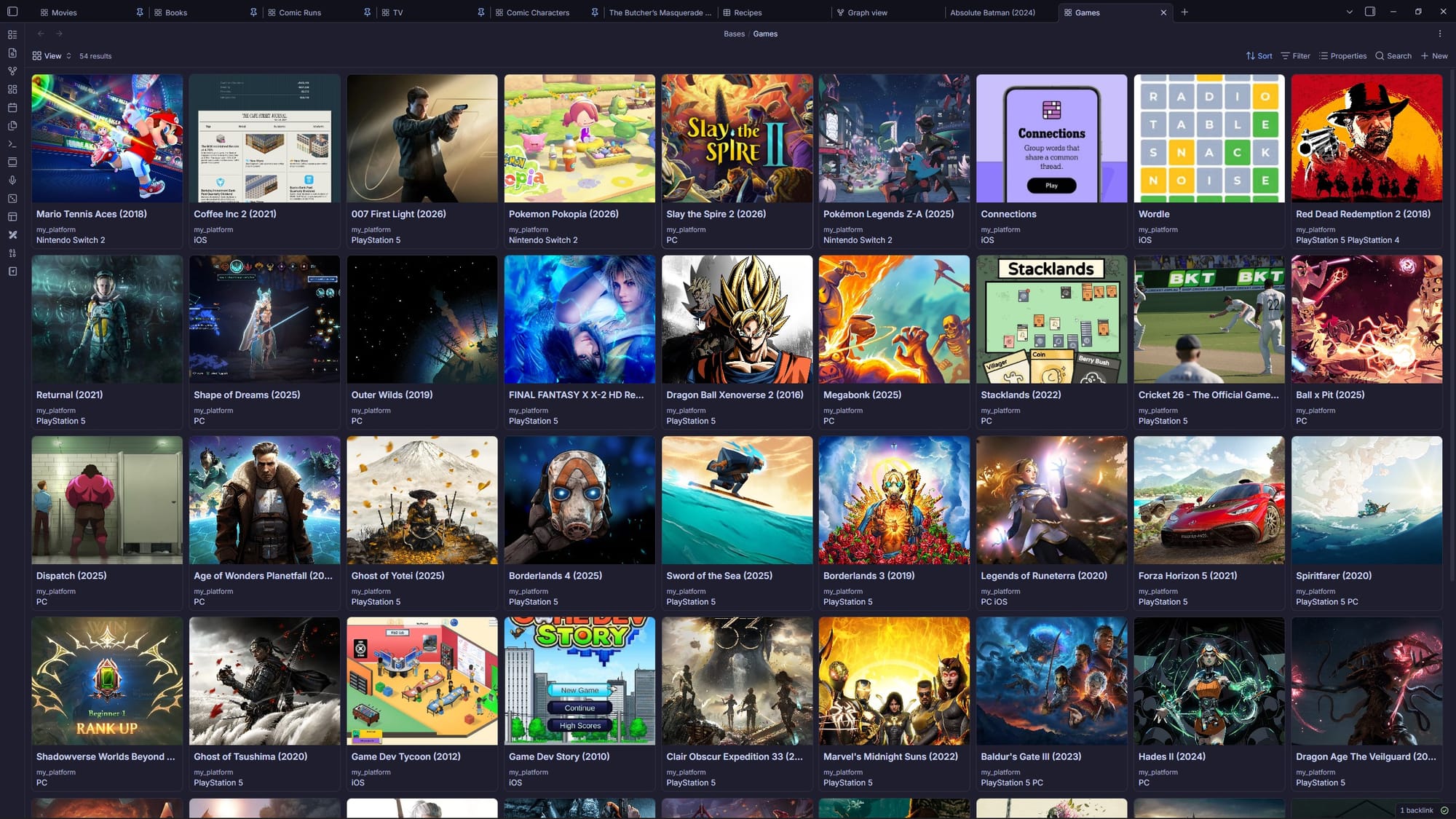
Example of Bases
The highlight is that you can create custom formulas if required. Below are a custom formulas I used to calculate when I last mentioned a TV show in my daily note.
Last Mentioned
file.backlinks.map(value.asFile()).filter(value.inFolder("Daily")).map(value.mtime).reduce(if(acc == null || value > acc, value, acc), null)
Last Mentioned Display
if(formula.last_mentioned, formula.last_mentioned.relative(), "no mentions yet")
And you can have bases embedded in a note. And these are dynamic, meaning if I set a formula, any note I create or edit that matches it shows up automatically. I have comic run folder with a index note and bunch of notes for each issue.
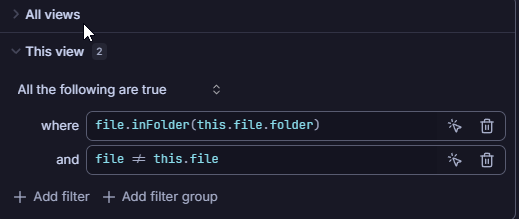
I use the above formula in my comic run index template. What it does is, is pick all files in the folder expect the file the base is embedded in.
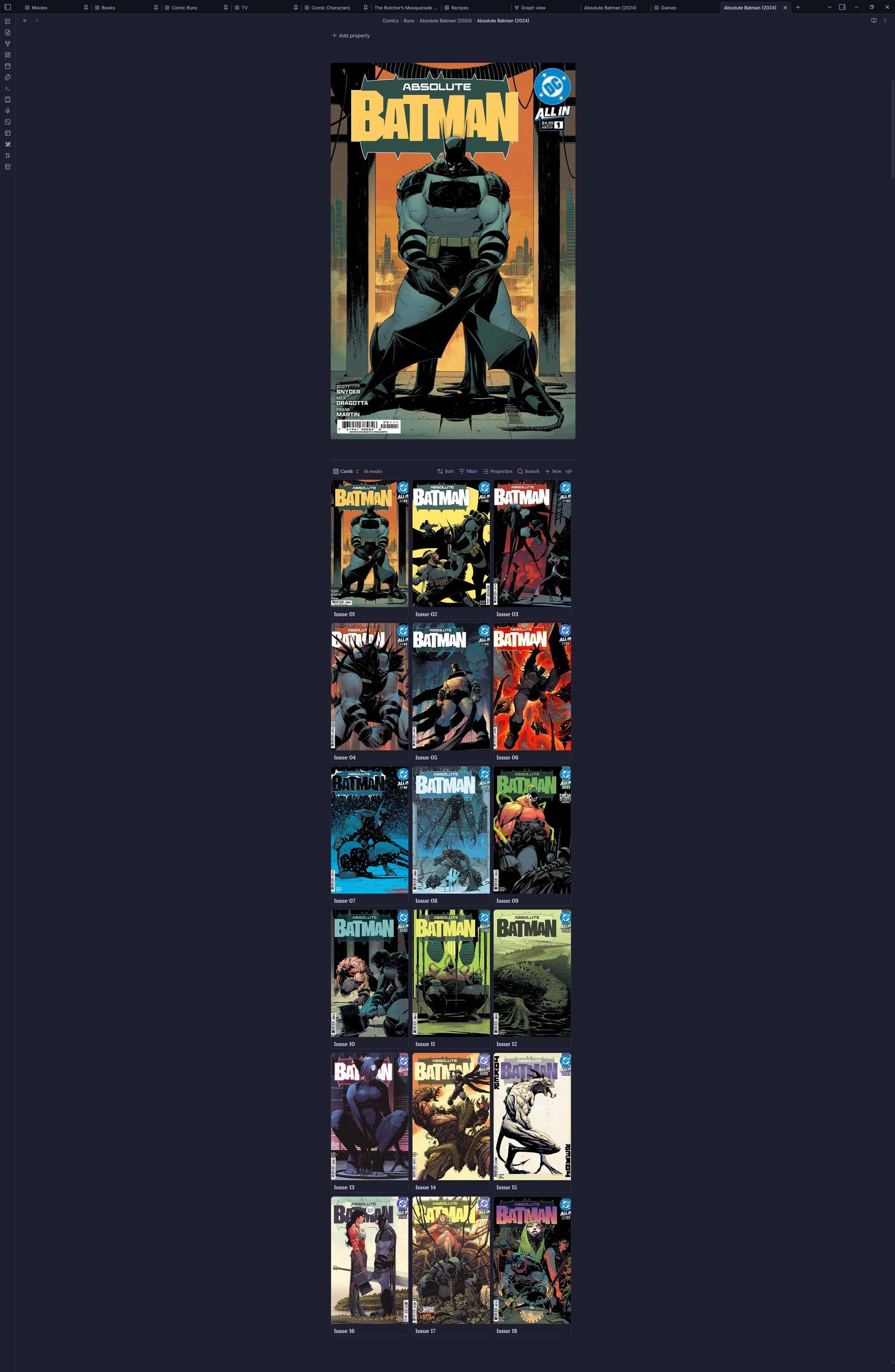
This is a wonderful organization tool. But it's more than just eye candy. Under the hood it is extremely snappy and I can query it. It has its limitations. But I recently wrote a script that can export these results to a Polars DataFrame. I can get analytical work done.
Link to the said script - https://github.com/naveenpiedy/obsidian_bases_bridge
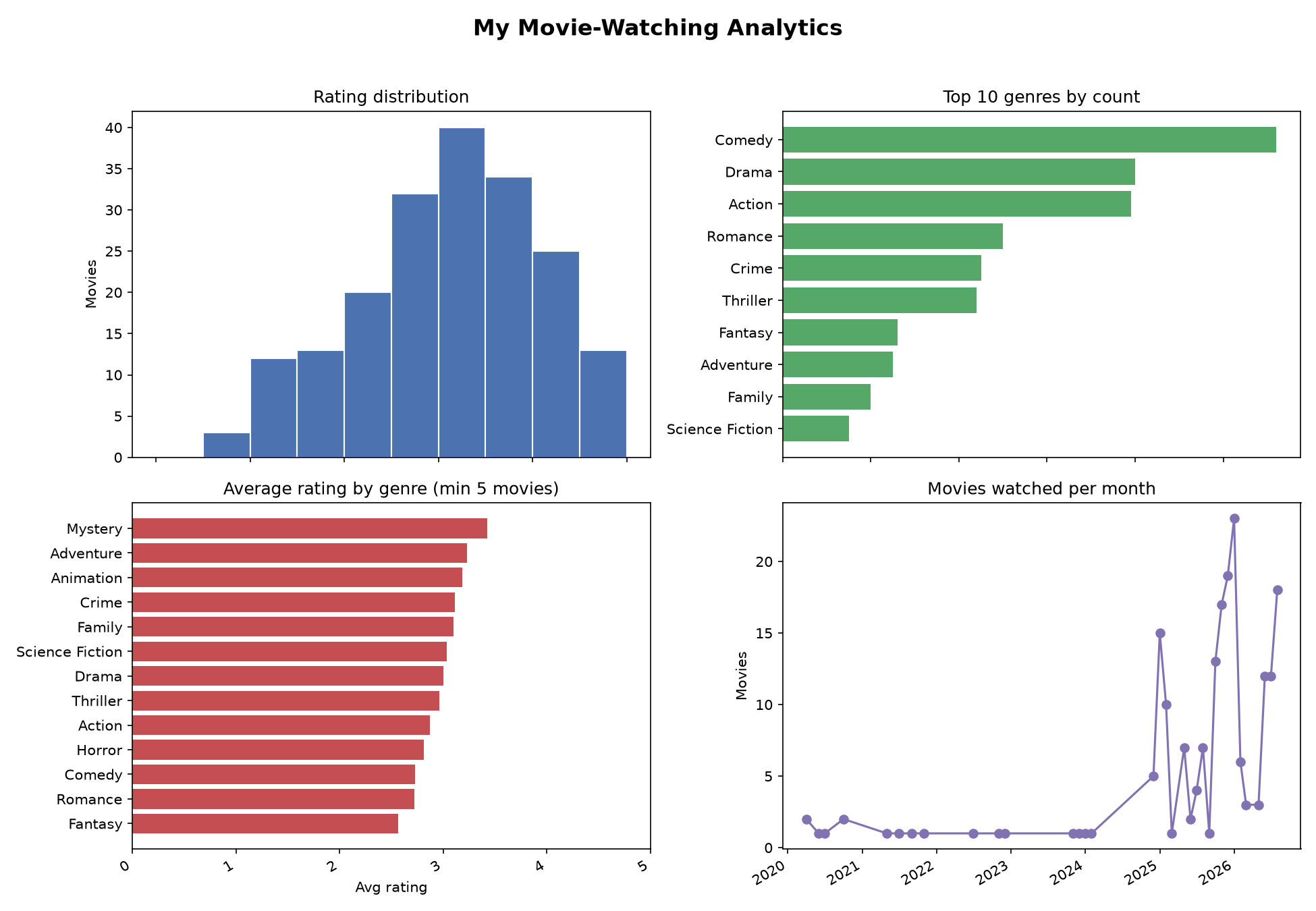
Another example in this reddit post I created - https://www.reddit.com/r/ObsidianMD/s/rOh3BQLZVN
Why is Obsidian popular now? AI
AI loves markdown and Obsidian is the easiest way to have your markdowns organized. In fact, I did try and give AI its own Obsidian vault and the results were very promising. Now it is a bit redundant because a lot of harnesses have built-in persistent memory.
Having said that, keeping your thoughts and notes in markdown format means fewer hurdles if you ever want to feed them to AI. Why would you do that? That's up to you.
Conclusion
Before discovering Obsidian, I rarely followed through on my latent thoughts. Thoughts you get when you are bored. My drive to build, my self-understanding, and my organization have all gone up, and it's all thanks to this wonderful tool.
For every book I read or movie I watch, I reflect more, simply because I write about it. Each day, I reflect, and plan for the next day. And the links, the bases; all of it, helps me to be better. Just because it has helped me doesn't mean it will help you. But it is worth giving a shot, right?
If any of this was interesting, I am hoping to write about this kind of thing fairly often, please subscribe, if you want it in your inbox. Thoughts, disagreements, your own Obsidian setup, drop a comment, I read them. And if you want to find me elsewhere: goodreads, letterboxd, github and linkedin.